How to Choose a Server Cabinet: A Buyer’s Guide for Data Center Projects
A practical guide to server cabinet depth, load, airflow, cable management and specification, written for project buyers and IT managers.
Start with the deepest server plus 150 mm, then choose 600/800 mm width and an 800–1,000 kg frame. A 42U cabinet gives 1,866.9 mm of mounting height. Allow 1,200 mm front and 1,000 mm rear clearance.
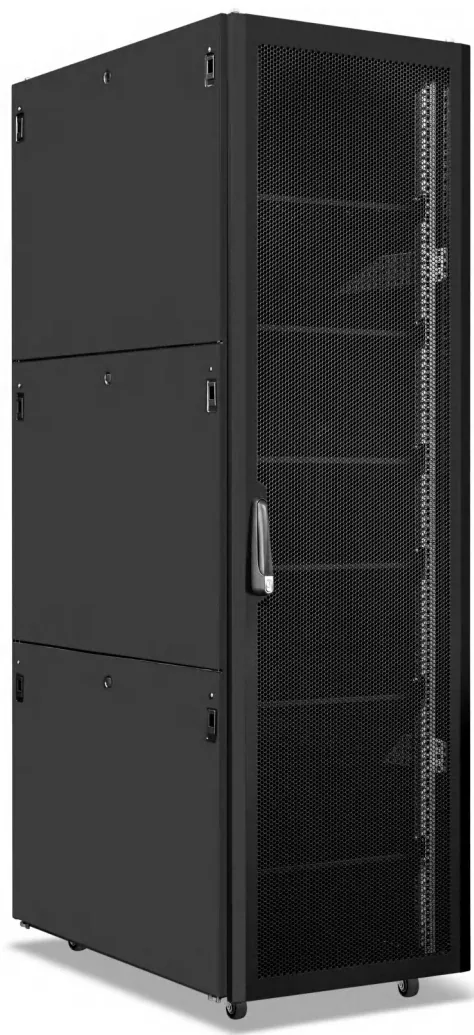
A server cabinet looks like a simple steel box. In practice it sets the limits for airflow, cable routing, service access and the maximum weight a raised floor or slab can carry. Choosing the wrong depth or door type is expensive to correct after the room is built.
This guide covers the decisions that matter at specification stage: size, load, airflow, cable management and the details that should appear on the drawing.
What should you check before choosing a server cabinet?
Start with the equipment list, not the cabinet catalogue. For each server or storage unit, record:
- height in U
- depth from the front rail to the rear connector
- weight when fully populated
- airflow direction (front-to-rear is standard)
- power draw and inlet type
- rail kit length and rear service clearance
Add the network switches, patch panels, PDUs and cable managers that will share the cabinet. The sum of these items defines the internal layout.
Next, confirm the room constraints: door width, lift capacity, floor loading, ceiling height and the route from the loading dock. A 42U cabinet is difficult to move through a 900 mm door once it is assembled. If access is tight, a flat-pack cabinet or a split frame may be the better choice.
Finally, decide whether the cabinet is a one-off or part of a standard build. Standardizing the frame, door pattern and PDU position across a project reduces spare parts and simplifies installation.
How deep should a server cabinet be?
Depth is the most common specification mistake. The cabinet must accommodate the rail kit, the server body, the rear cable bend radius and, in many designs, a vertical PDU.
| Equipment type | Typical cabinet depth | Reason |
|---|---|---|
| 1U/2U enterprise servers | 1000 mm | Rail kit plus rear cabling |
| GPU servers and storage arrays | 1200 mm | Longer chassis and rear manifolds |
| Network switches and patching | 600–800 mm | Shallow equipment, dense cabling |
| Integrated micro data center | 1200–1400 mm | Cooling, UPS and distribution inside |
Measure the longest rail kit, then add at least 100 mm behind the rear rail for cable bend radius and PDU clearance. If the cabinet will be butted against a wall, allow for rear door opening or choose a front-access design.
Do not choose depth by the server alone. A 1200 mm cabinet with a 1000 mm server leaves useful space for cable management and airflow; a 1000 mm cabinet with the same server may force tight bends and block the rear exhaust.
What load rating does a server cabinet need?
The load rating must cover the equipment plus accessories, with a margin for future expansion. A fully populated 42U cabinet can weigh several hundred kilograms; dense storage and GPU nodes increase that quickly.
Ask for the static load rating of the frame and the rating of the shelves or rails. These are different numbers. The frame may carry 1,000 kg, but a sliding shelf may be rated for 50 kg. The weaker component sets the limit.
For raised floors, confirm the point load at each caster or foot. A cabinet with four feet concentrates the load into a small area; spreader plates may be required. For seismic zones, the anchoring detail and the cabinet’s seismic rating should be part of the specification, not an afterthought.
Which door and airflow design suits your servers?
Front-to-rear airflow is the default for data center servers. The cabinet should provide a clear path from the cold aisle to the server intakes and from the rear exhaust to the hot aisle.
Key points:
- Use perforated or mesh doors with adequate open area. A solid door with a few vents restricts airflow.
- Fit blanking panels in unused U positions. An open gap lets hot air recirculate to the front.
- Seal cable entries at the top and bottom. Brush strips reduce bypass airflow.
- Keep the rear door openable without removing cables. A split rear door helps in narrow aisles.
- For high-density racks, consider fan trays or row-level cooling rather than relying on room air alone.
If the cabinet sits in a room without containment, the door choice matters even more. Cold and hot air will mix at the row ends; blanking panels and brush seals are inexpensive improvements.
How do you plan cable management inside the cabinet?
Cable management is a space problem and a service problem. Plan it before the cabinet is ordered.
- Vertical managers on both sides keep patch cords out of the airflow path.
- Horizontal managers between switch and patch panels provide a controlled bend radius.
- Top and bottom entries should match the raised-floor or overhead-tray layout.
- Fiber needs a larger bend radius than copper; keep fiber in a separate manager where possible.
- PDU cables should not cross the server exhaust. Route them along the rear posts.
Label both ends of every cable and record the port map. A cabinet that is easy to trace is easier to maintain, and maintenance time is a real cost over the life of the room.
What should be included in the cabinet specification?
A useful specification is more than “42U cabinet, black.” It should state:
| Item | What to specify |
|---|---|
| Frame | Welded or assembled, material and thickness |
| Dimensions | Height in U, width, depth in mm |
| Doors | Front and rear type, lock, opening angle |
| Side panels | Removable, lockable, baying provision |
| Mounting | 19-inch EIA-310 / IEC 60297, adjustable depth |
| Load | Static load rating and shelf/rail ratings |
| Cable entry | Top/bottom, brush or gland plate |
| Cooling | Fan tray provision, blanking panels |
| Power | PDU mounting position and input type |
| Finish | RAL color, powder coating |
| Packing | Export crate, pallet, corner protection |
| Documentation | Drawing, test report, packing list |
Include the rack elevation with the specification. The elevation shows which U positions are occupied, where PDUs sit and how cables enter. It prevents the common problem of a cabinet that meets the datasheet but not the actual equipment layout.
How should you compare cabinet suppliers?
Compare on total project cost, not unit price. Ask each supplier for:
- A dimensioned drawing with tolerances.
- Material and coating specifications.
- Load test or structural calculation.
- Factory inspection record.
- Packing and container loading plan.
- Spare parts and accessory availability.
A supplier that can provide these documents is easier to audit and easier to hold to the specification. A low unit price with vague documentation often costs more during installation.
At RackSource, cabinets are built from the rack elevation and inspected before packing. If you are comparing options for a project, send the elevation and we will confirm the frame, door and PDU layout against it.
Frequently asked questions
05 Q&A What is the most common server cabinet size?
Is a 1000 mm deep cabinet enough for modern servers?
Do I need a perforated or mesh door?
Can a server cabinet be shipped assembled?
How many servers fit in a 42U cabinet?
Products related to this article
JZ-SC Series 42U Server Cabinet A 1200 mm deep, high-load frame for rack servers and GPU nodes. View details 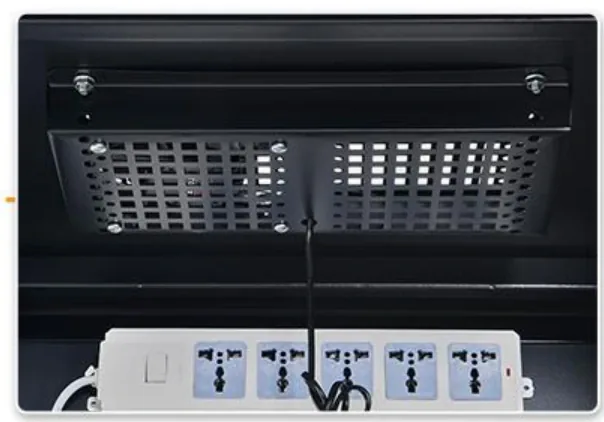 JZ-PDU Series Rack Power Distribution Unit 1U or 0U power distribution with optional breaker, SPD and metering. View details
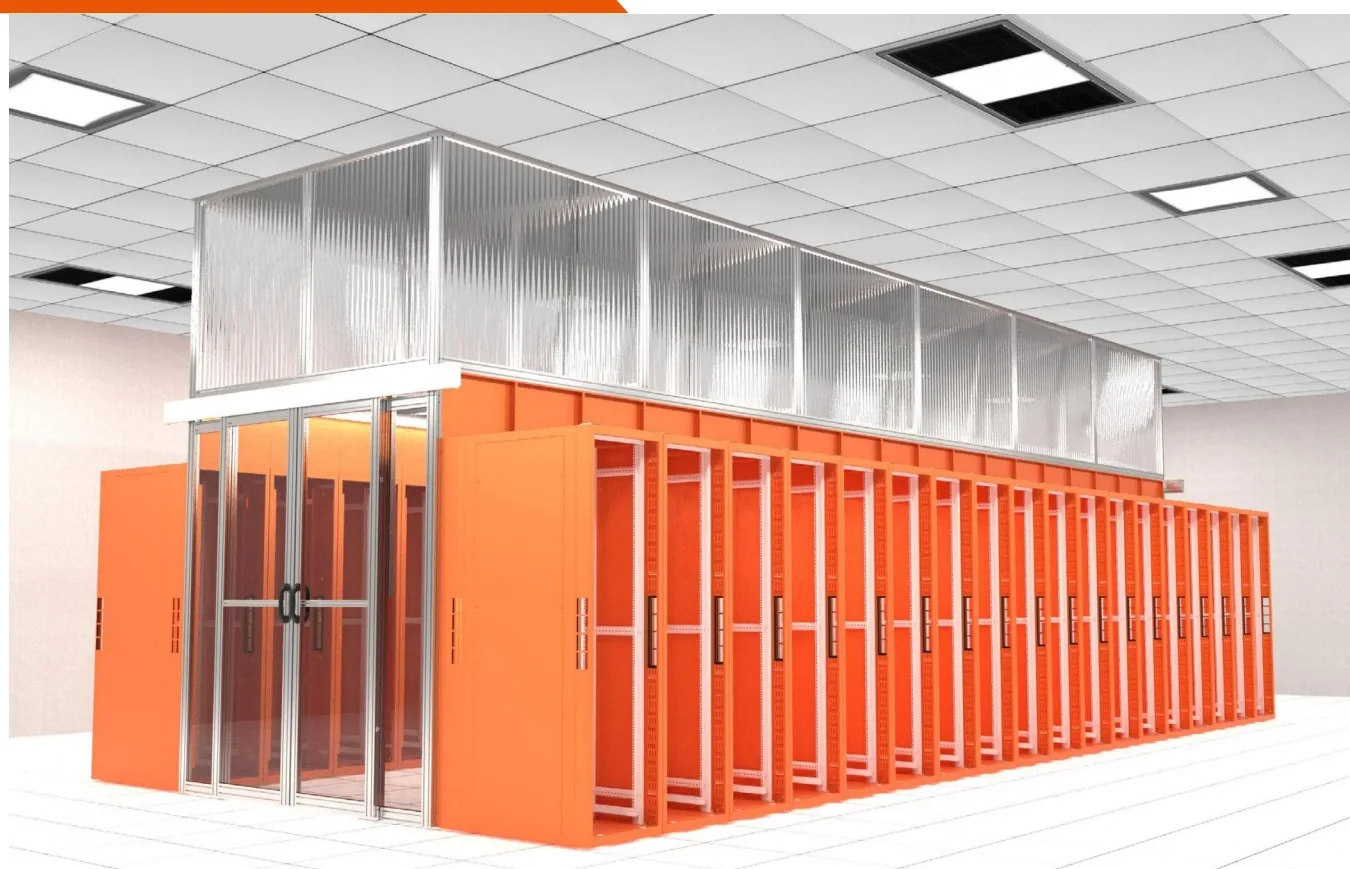 JZ-CA Series Cold Aisle Containment System Modular skylights, doors and seals that separate cold supply from hot return. View details